We need your consent to display map services
We use Google Maps as third-party software in order to be able to present our locations to you here.
By clicking on "Accept" you agree to the data processing by Google.


Learn more about us
Digitalization is no longer just a buzzword, but a key necessity. The design of the central IT infrastructure, also known as the core banking system, has profound consequences – for customer relationships, operational efficiency, and market positioning. M.M.Warburg & CO also faced the question of what the bank's core banking system should look like in the future. We decided to partner with one of the most experienced digitalization partners in the German banking sector.
Together with Atruvia AG, one of the most experienced system provider in Germany, we want to drive forward the bank’s further digitalization. The goal is to be able to meet your needs even faster and better in the future, for example with the development of new products or services.
We plan the migration to the Atruvia core banking system, agree21, for the weekend of May 9–10, 2026.

What do I need for my first login to online banking?
You have received the following by mail:


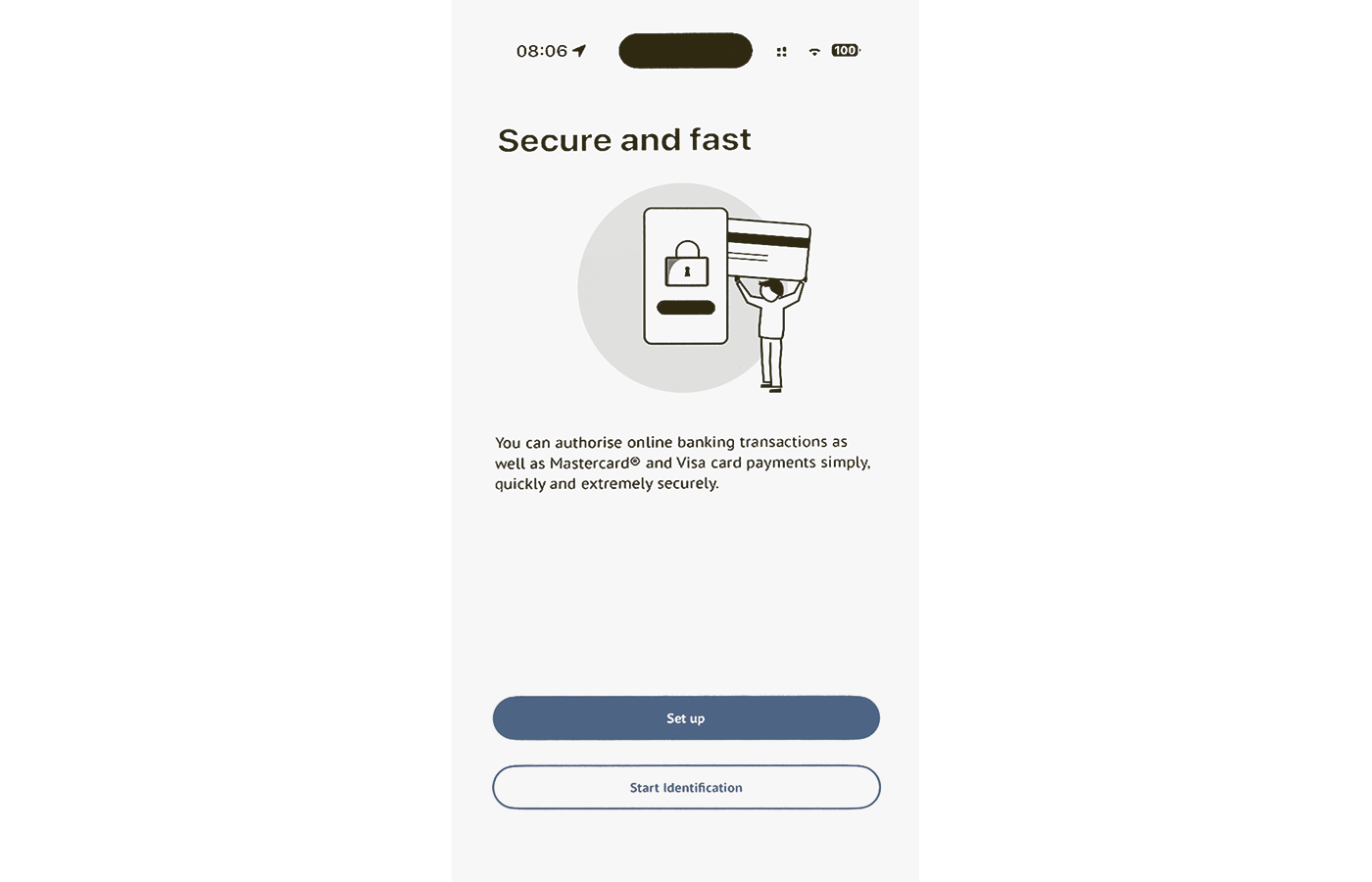
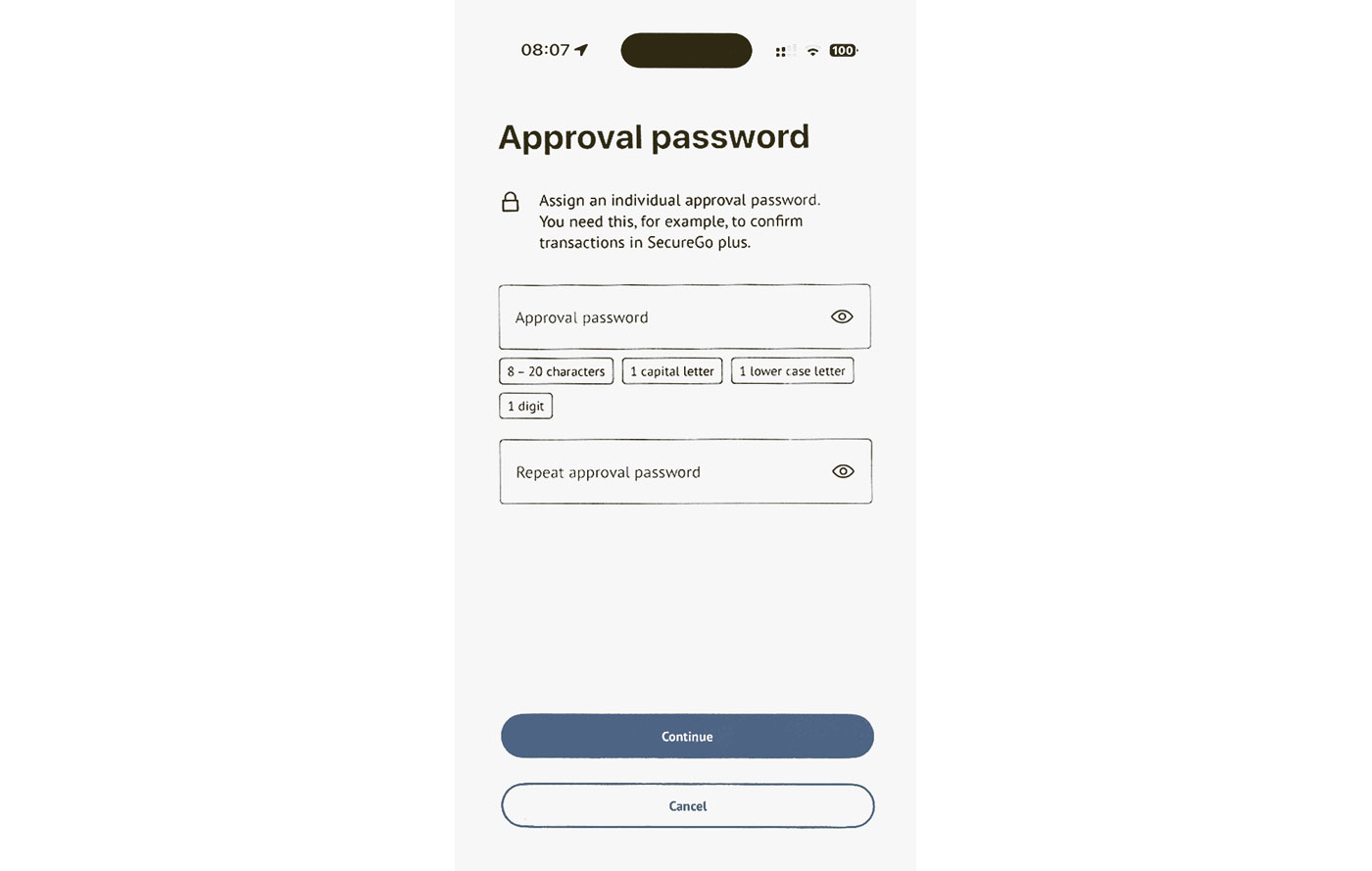
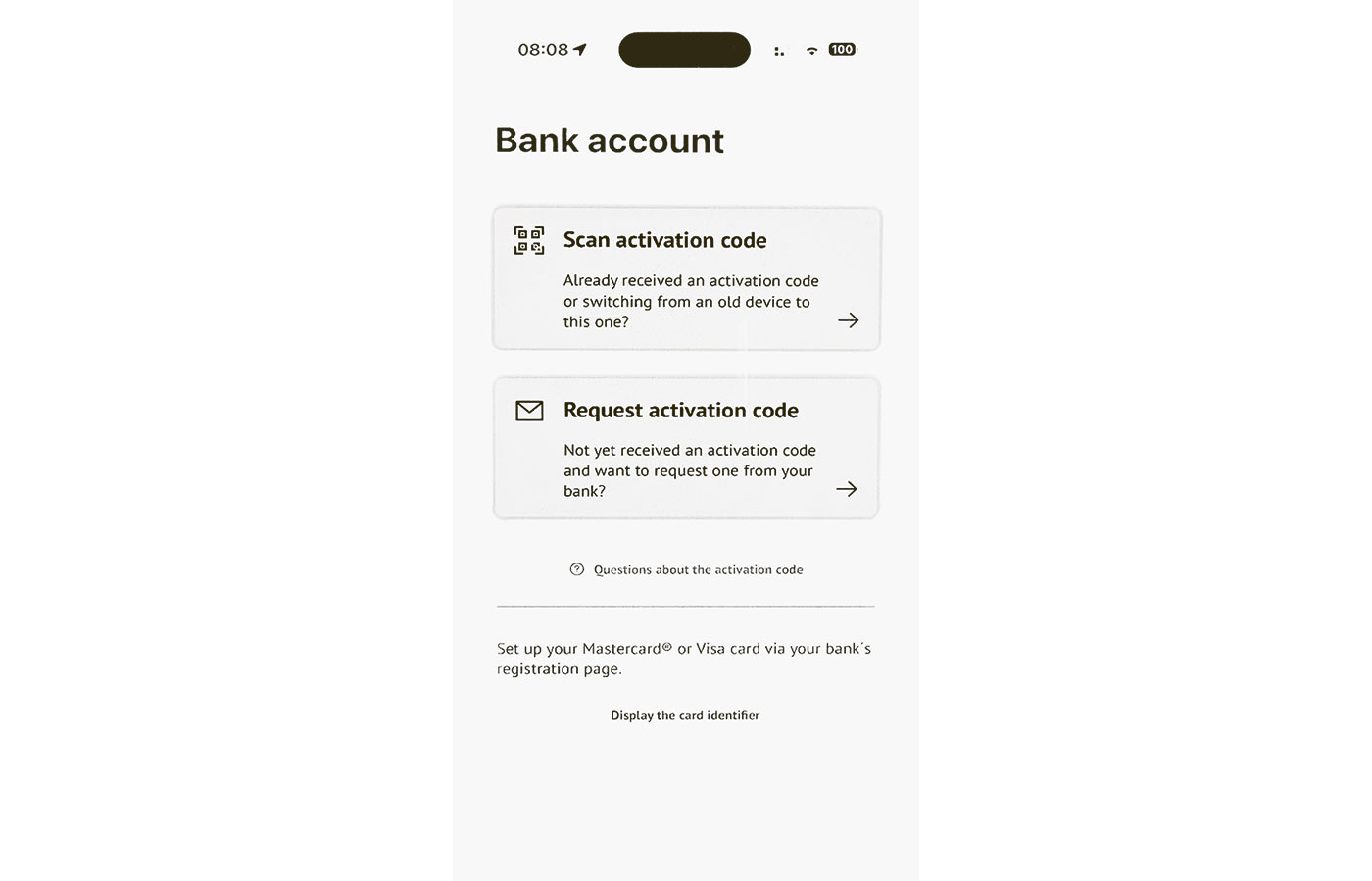
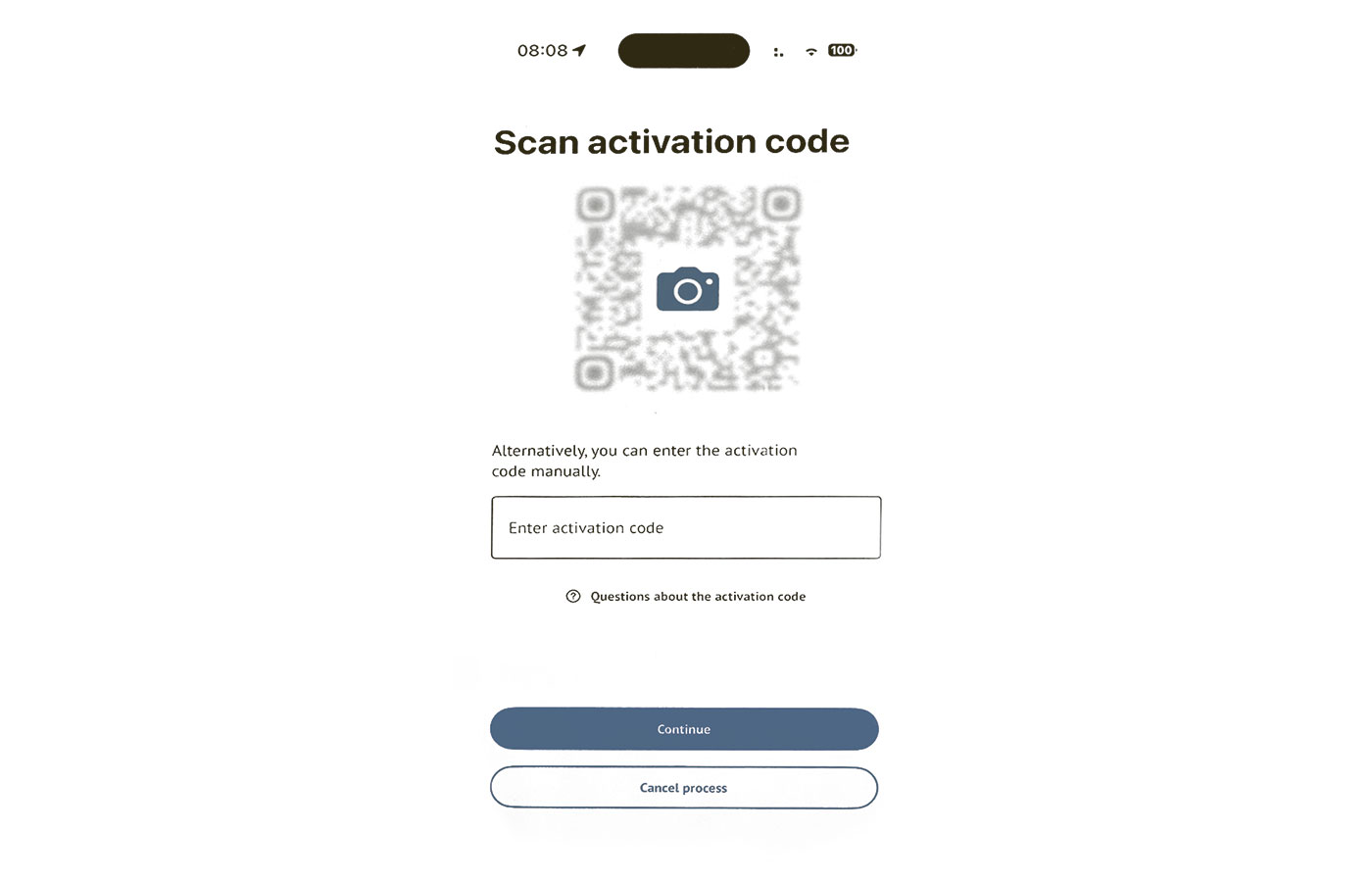
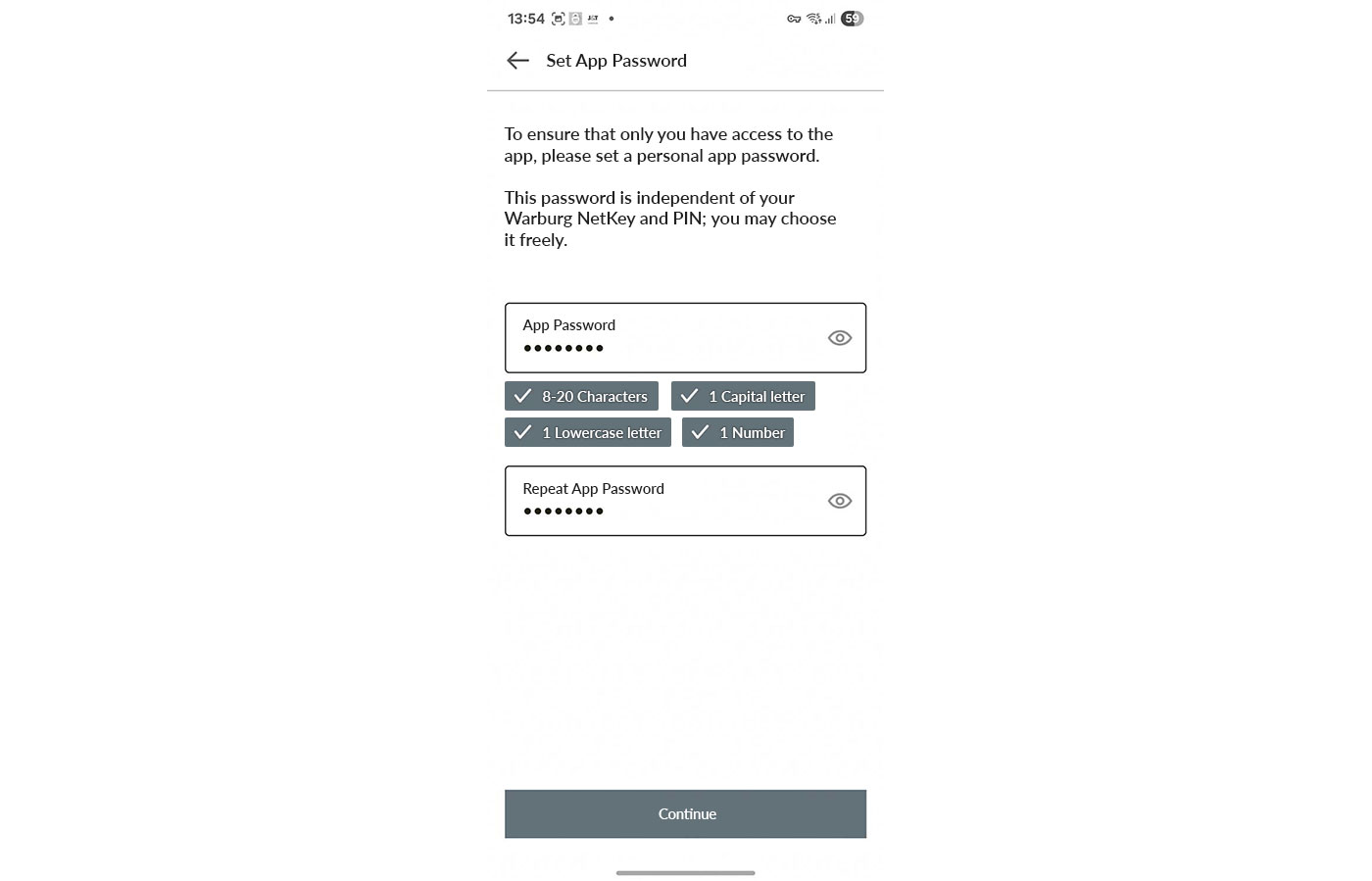
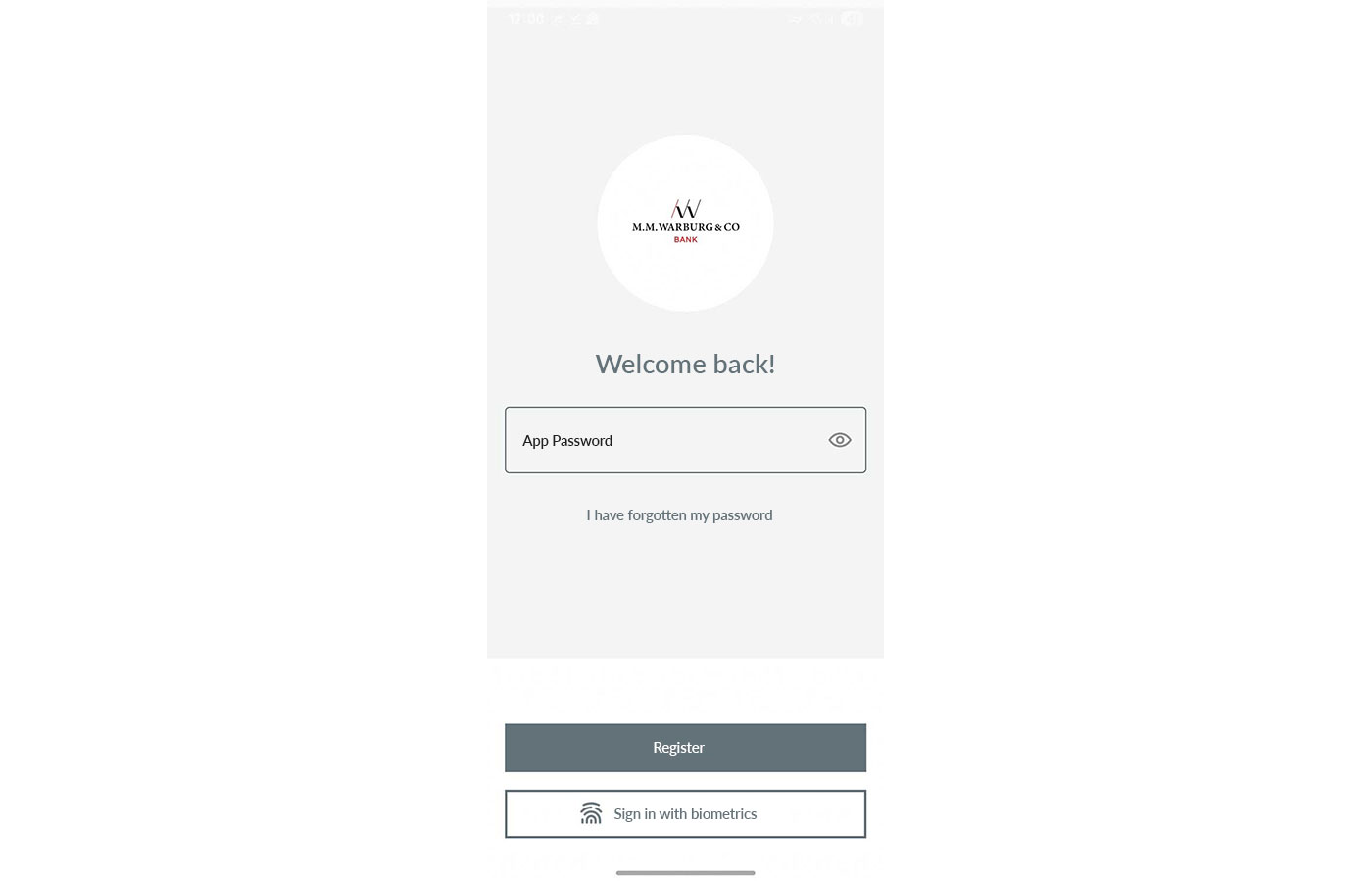
The Warburg Banking App

New ePostbox

Real-time account and portfolio information
Retrieve and secure account information
Please download all files relevant to you from the current Warburg EBICS banking server before the transition weekend and store them securely for future use.
The statements for the business day Friday, May 8, 2026 (as camt.053 or MT940 files) will be made available after end-of-day processing and can be accessed from Saturday, May 9, 2026, 5:00 o’clock. Please download these statements over the transition weekend or on the morning of Monday, May 11, 2026.
Please switch to the new Warburg EBICS banking server only after you completed these steps. You will find the instructions and required details for the switch on the next page.
Three steps for your switch
Update the URL and hostname in your EBICS software. If necessary, access to the new URL has to be allowed by your IT infrastructure team.
The new URL is: https://ebics.multivia-suite.de/ebicsweb/ebicsweb
The new hostname is: MULTIVIA
Retrieve the bank’s public key using the HPB order type. Please note that this step usually requires administrator rights.
Verify the hash code of the new Warburg EBICS banking server. The following hash codes apply to EBICS access from May 11, 2026:

Please check the URL and hostname carefully for typos.
The URL may need to be allowed. In most cases, you will need to contact your IT administrator for assistance.
Please confirm the relevant certificate request – if necessary, with the help of your system administrator.
The HPB key can still be retrieved afterwards.
Benefit from the many advantages of a high-performance credit card. We offer the Mastercard® Gold or the Mastercard® Business Gold – each including an attractive range of benefits and insurance.
Please refer to the card application form for the terms and conditions and the range of services of your new credit card – including new insurance benefits.
Yes, your new credit card will have a new card number. In addition, you will receive a new PIN code by post.
If you have registered your credit card details for recurring payments, please update the relevant information by
August 31, 2026 at the latest.
Yes, you will need to re-register your card for the authentication. For more information, please visit:
As usual, you will receive your credit card statement by post or automatically in your Warburg online banking ePostbox each month.
Yes, with your new credit card, you can enjoy even more favourable insurance benefits.
Yes, for Apple device users Apple Pay is now available. If you would like to pay via an Android device, please install the corresponding Android application.

As part of our IT system upgrade, we will replace all debit cards with new Mastercard® debit cards. With your new card, you continue to enjoy all the benefits of your old debit card. Besides you will profit from new features, such as the worldwide acceptance and mobile payments via smartphone. Good to know: You will keep your current favorable terms and conditions.
The Mastercard® Debit card offers convenient features and benefits, including worldwide acceptance, enhanced security and mobile payments using your mobile device.
No, your current terms and conditions will remain the same – while you benefit from additional features and services.
Yes, your new debit card will have a new card number. In addition, you will receive a new PIN code by post.
Your new card can be used online and registered for regular payments.
Your online card payments are protected by the 3D Secure authentication (3DS), which requires a registration.
No, the settlement of your transactions will remain the same as for your current debit card. All payments are charged to your current account in short order.
Yes, you can continue to withdraw cash free of charge at participating supermarkets and retail shops using your new card.

as of 2026-04-28
By switching to Atruvia AG, we ensure that we can continue to provide you with excellent service using modern and up-to-date IT services. This includes modern online and mobile banking via web and app.
With the IT system change in May 2026, or shortly after, new services such as Apple Pay and real-time transfers will be added.
No, you don’t. You will receive all necessary information in a timely and comprehensive manner, should any action be required, and what steps are necessary. We will make the transition as easy and smooth as possible for you.

Some of the letters I receive show this cube. What does it mean?
Where you see the cube, that's where the journey continues! The cube, composed of individual components, is our symbol for the core banking system transition. If any of our correspondence bears this icon, we will inform you about news and current developments within this project.
Yes, you will. People remain our top priority at M.M.Warburg & CO. Your personal client advisor will, of course, continue to be available to you.
All current templates will be transferred. But unlike before, they will no longer belong to a user but to an account. As a result, some templates may be assigned to different accounts than expected or may appear more than once if several users created slightly different versions.
Customers affected by an IBAN change have been informed separately. From May 11, 2026, you will only be able to submit payment orders using your new IBAN, and account information will only be issued for the new IBAN. Please update your IBAN in your systems accordingly and inform all relevant banking contacts of your new IBAN.
You will receive your new login details in two separate letters before the transition weekend. If you do not have the details required for initial setup anymore, they will need to be reissued and sent again. Please contact your adviser or our telephone support service of the IT transition.
If you use banking finance software, we will provide you with the login details for your HBCI/FinTS connection at the transition weekend. This will allow you to log in to our new system.

We are available to assist you personally as usual. Please feel free to contact your advisor.

Our service hotline: free of charge throughout Germany (0800 72 33 982) and internationally (+49 40 3282 2332).